Features
Everything Chocka does.
One booking system for classes, courses, workshops, holiday programmes and events. Most features are on every plan. Where one isn’t, it is tagged with the plan that includes it.
The free Community package for charities and community groups includes the Grow plan’s features.
Selling
Set up what you sell the way you run it: single sessions, courses, terms, passes or memberships.
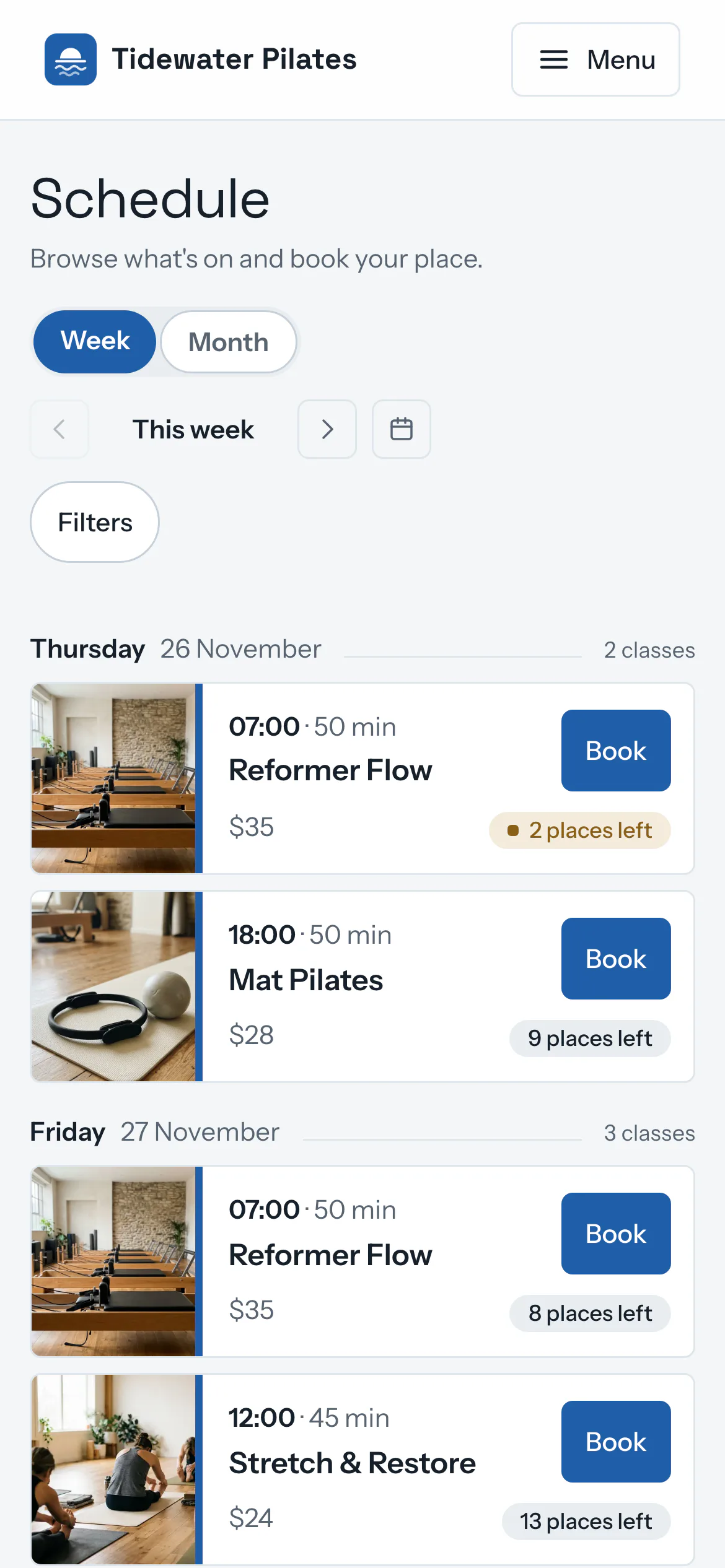
Schedule and bookings
A schedule, a limit on places and a checkout for classes, courses, workshops and events. Customers book and pay on your own page.
Courses and enrolments
Sell a course or programme as one enrolment. Customers enrol once for the whole run of sessions.
Terms, blocks and seasons
Sell a run of scheduled sessions at one price. A place is kept in every session, and each session can still be booked singly.
Passes and credit packs
Multi-session passes that hold credits. Each pass has a balance and an expiry date, and customers spend credits as they book.
Memberships and recurring billingGrow and Thrive
Weekly, monthly or yearly memberships. Billed automatically by card, or paid by bank transfer or cash and recorded by hand against one reference.
One-to-one sessions
Publish the times you’re free as sessions with room for one, and clients book and pay online.
Arranged appointmentsGrow and Thrive
Book an appointment you arranged with a client yourself, and send them a link to pay, or settle it from a package they hold, a gift balance, or as complimentary.
Book for other people
One booking and one payment, with a name for every place. Children can be booked by a parent, and each has a record of their own.
One basket, one payment
Customers add places in several sessions, courses and terms, then pay once by card, pass or membership.
Prices by age
Set your own age ranges, each with its own price, on any class, course, event or term.
Group and family discounts
An amount off each place when one booking holds enough people, such as 5% off for two or more children. A part-cancellation never keeps back more than the discount.
Early-bird and release prices
A lower price for booking early, or for the first places sold. It ends on a date or after a number of places, and customers see the deadline.
Extras on a booking
Priced extras a customer adds to each place, with a quantity: lunch, party bags or extra party guests. Staff see who has what.
Gift cards
Sell gift cards customers can spend on anything you offer. They never expire.
Waitlists
When a session is full, people join the waitlist. If a place opens, the next person is offered it, with a deadline to accept.
Promo codesGrow and Thrive
Discount codes customers type at checkout. Set an end date, a limit on total uses, and once per customer.
Free and RSVP eventsGrow and Thrive
Events with no charge, using the same booking steps and a limit on places. You can invite an optional koha or donation at RSVP, given by card or by bank transfer.
Getting paid
The money goes to you, not through us. Take cards, bank transfers or payment at the door.
Pay by bank transferGrow and Thrive
Run on bank transfers alone, with no payment provider. Customers are emailed your details. One click matches a transfer, confirms the place and issues any pass or gift card.
Available to businesses in New Zealand, Australia, the United Kingdom, the euro area, the United States, Canada, Singapore, Hong Kong and South Africa. Memberships can be paid by transfer too.
Paid straight to you
Card payments go into your own Stripe account. You are the seller, Chocka never holds your money, and the customer list is yours to export.
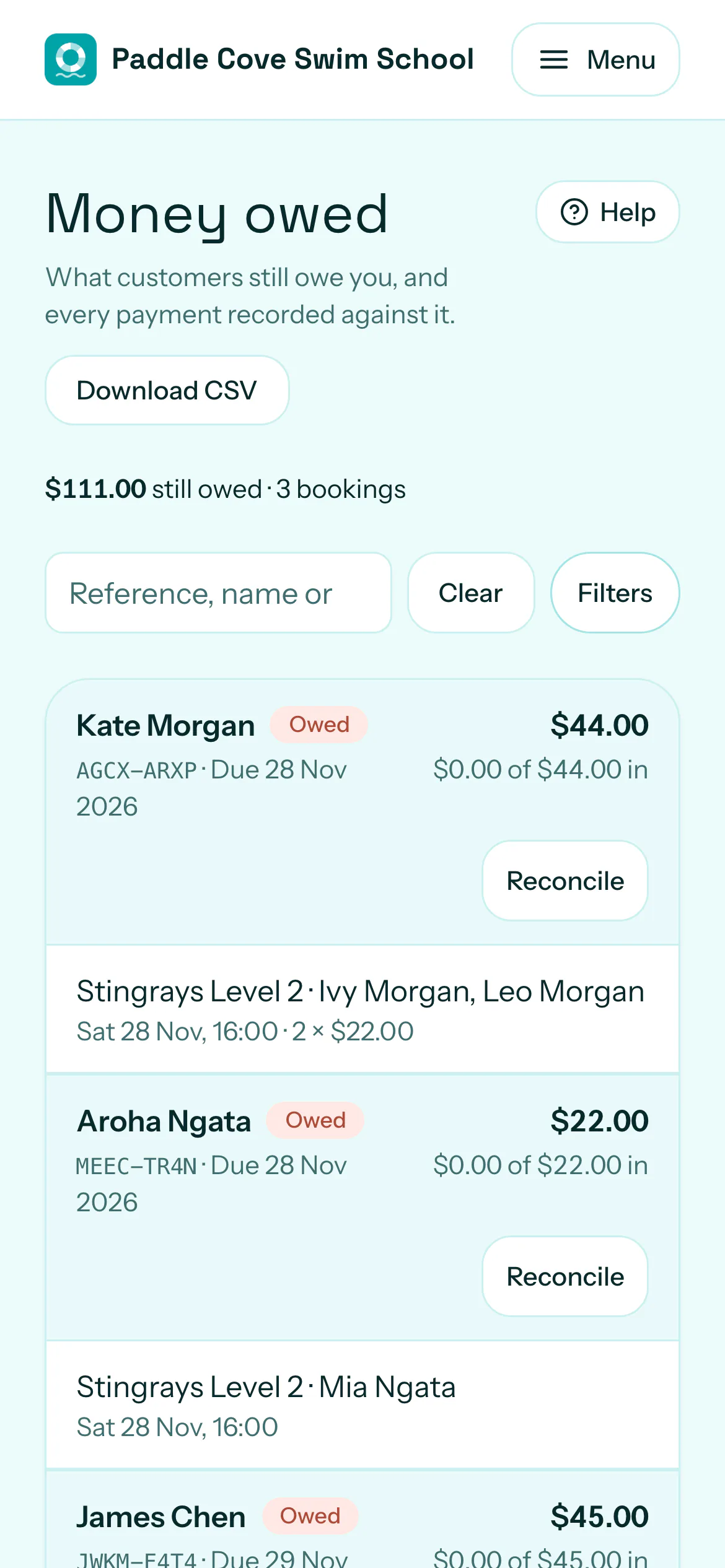
Money owed
One list of what customers still owe you, including unpaid places and late-collection charges.
Deposits
Take a fixed amount or a percentage to confirm a place. Chocka emails a payment link when the balance falls due, a set number of days before the session.
Places held while people pay
Nobody loses a place while their payment goes through. You can also hold a place for someone who phones, even if they’ve never booked: they’re emailed a link to book it.
Pay at the doorGrow and Thrive
Customers reserve now and pay when they arrive. Unpaid places show on the door list and in Money owed. A no-show pays up front next time, until you say otherwise.
Prices in your currency
Every price shows in your own currency and your country’s number format, with a note telling customers which currency it is.
On the day
Know who has arrived, who has left and who still owes you, from your phone at the door.
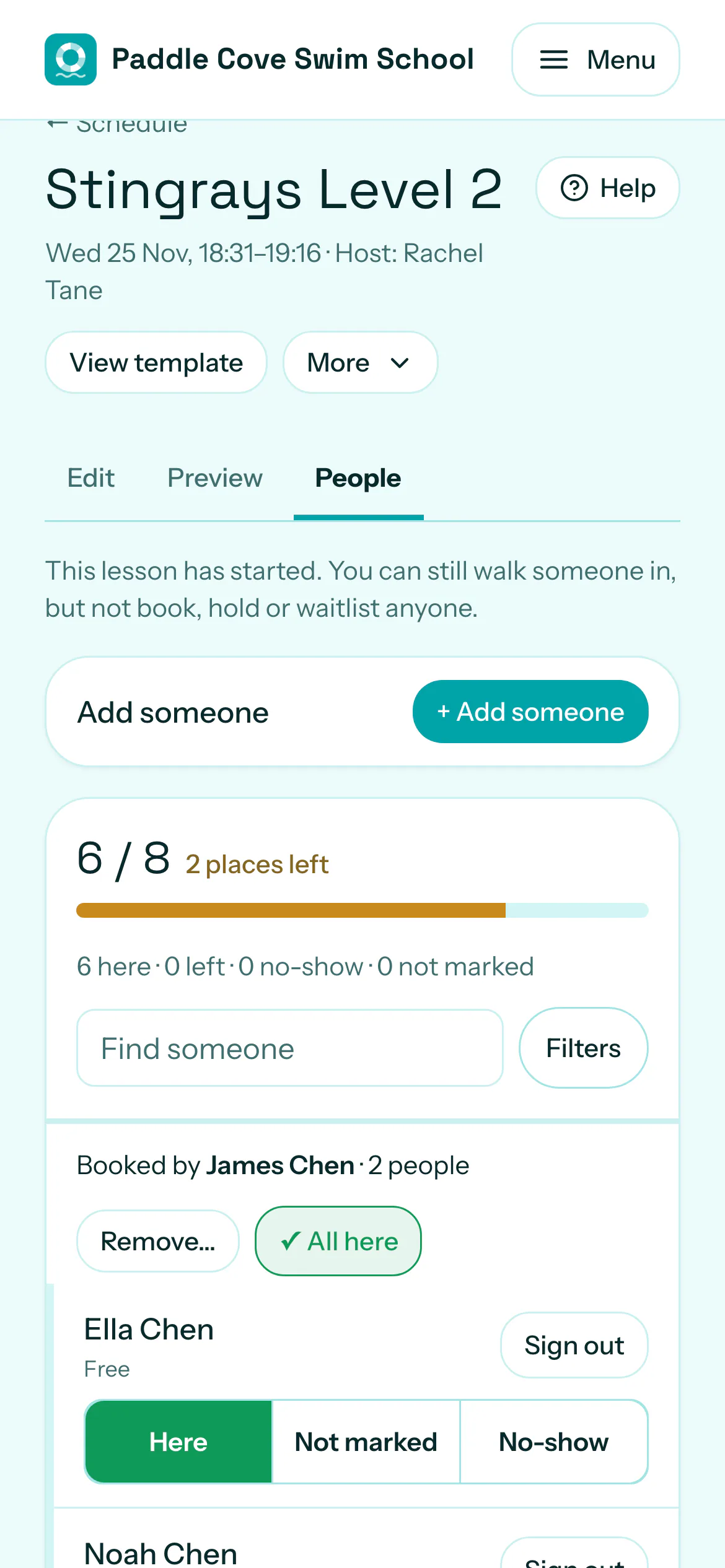
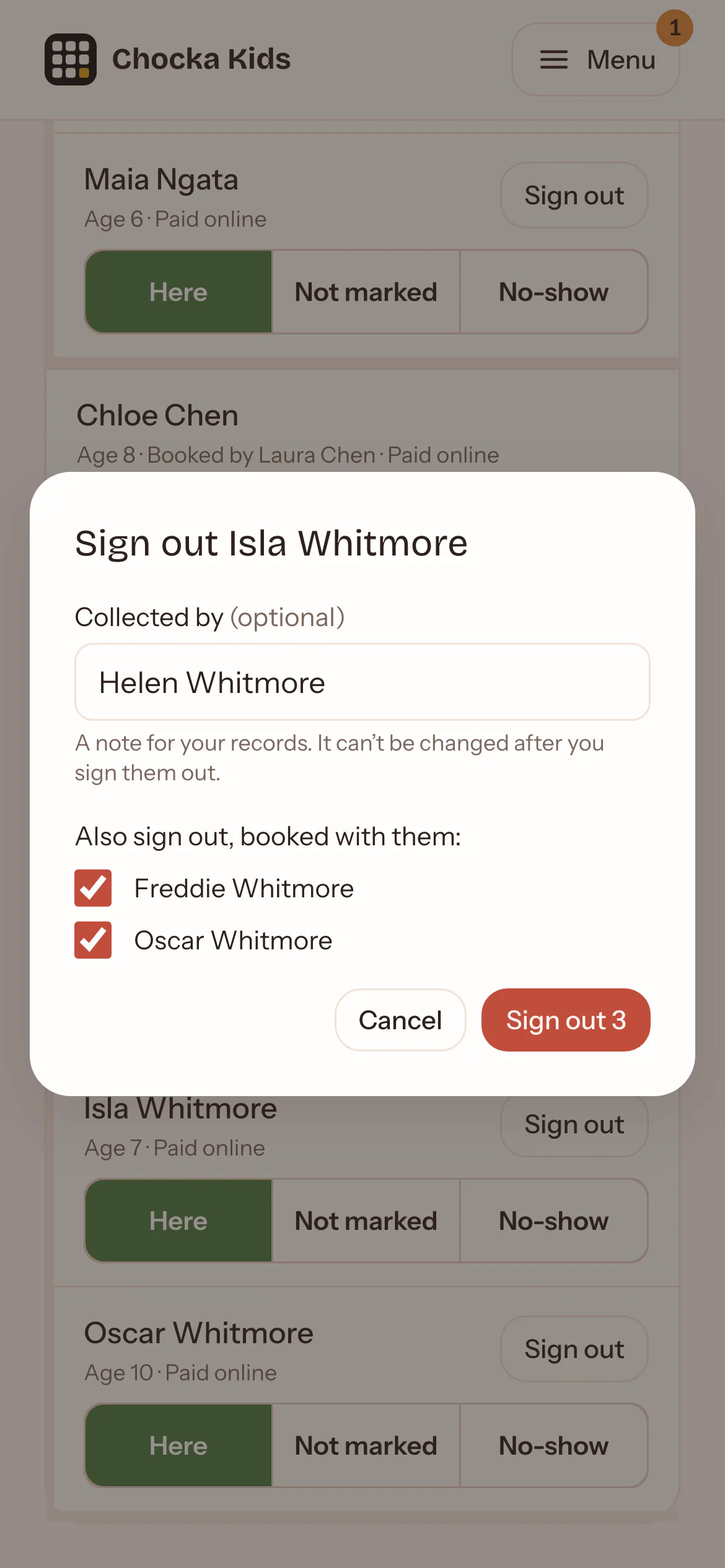
Attendance at the door
Mark who came and who didn’t from your phone. Sign people out when they leave and record who collected them. Corrections keep their history.
Self check-in
Customers scan your QR code on their own phone and check in themselves and anyone they booked for. Show the code on a tablet or print it.
Walk-ins and cashGrow and Thrive
Let in someone who hasn’t booked. Take cash or a bank transfer, or use their pass, membership or gift card balance. Each payment is recorded against whoever took it.
Late-collection charges
A fee per minute after a grace period, offered to staff when they sign someone out late. They can change or waive it. The customer is emailed a payment link.
Your customers
Collect what you need to know as people book, keep in touch, and take your list with you.
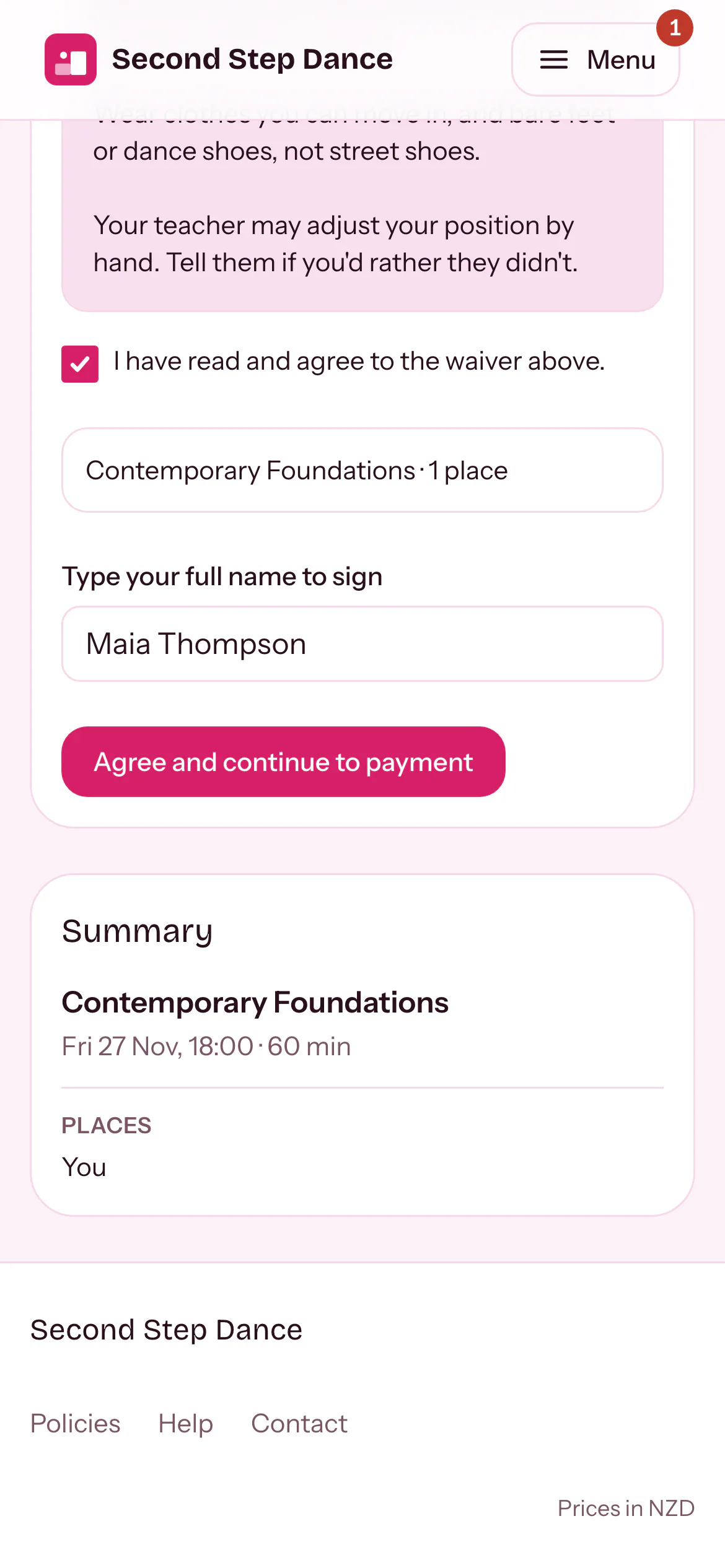
Waivers and agreements
Waivers and terms accepted online as people book, or signed at the door. Collect emergency contacts at the same time.
Questions on a booking
Ask a question for every place booked, typed or chosen from your own list. The answer stays with the booking and staff see it on the roll.
Email reminders
Automatic email reminders before each session.
Message your attendeesGrow and Thrive
Email everyone booked into a session, only the people who came, or a group of your customers.
Their own account
Customers see their bookings, wallet, memberships, waitlists and the agreements they’ve accepted for each person in one place. They can pause or cancel a membership, update the card it’s paid with, and pay what they owe.
A help centre for your customers
Answers about only what you sell, using the names you give things, with search.
One-click data export
Your whole dataset as a ZIP of CSV files, whenever you want it.
Your brand
Customers book with your business, on a site that carries your name and looks like you.
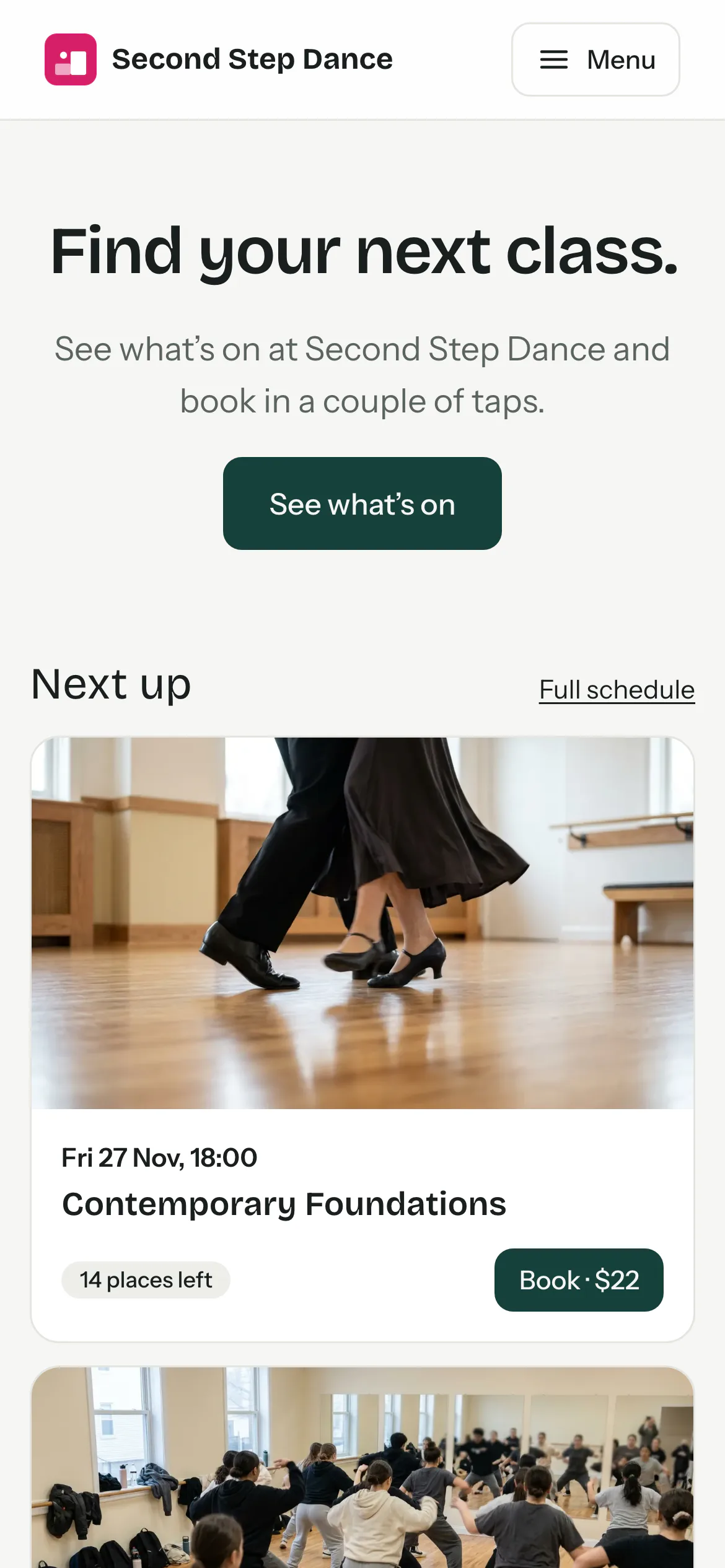
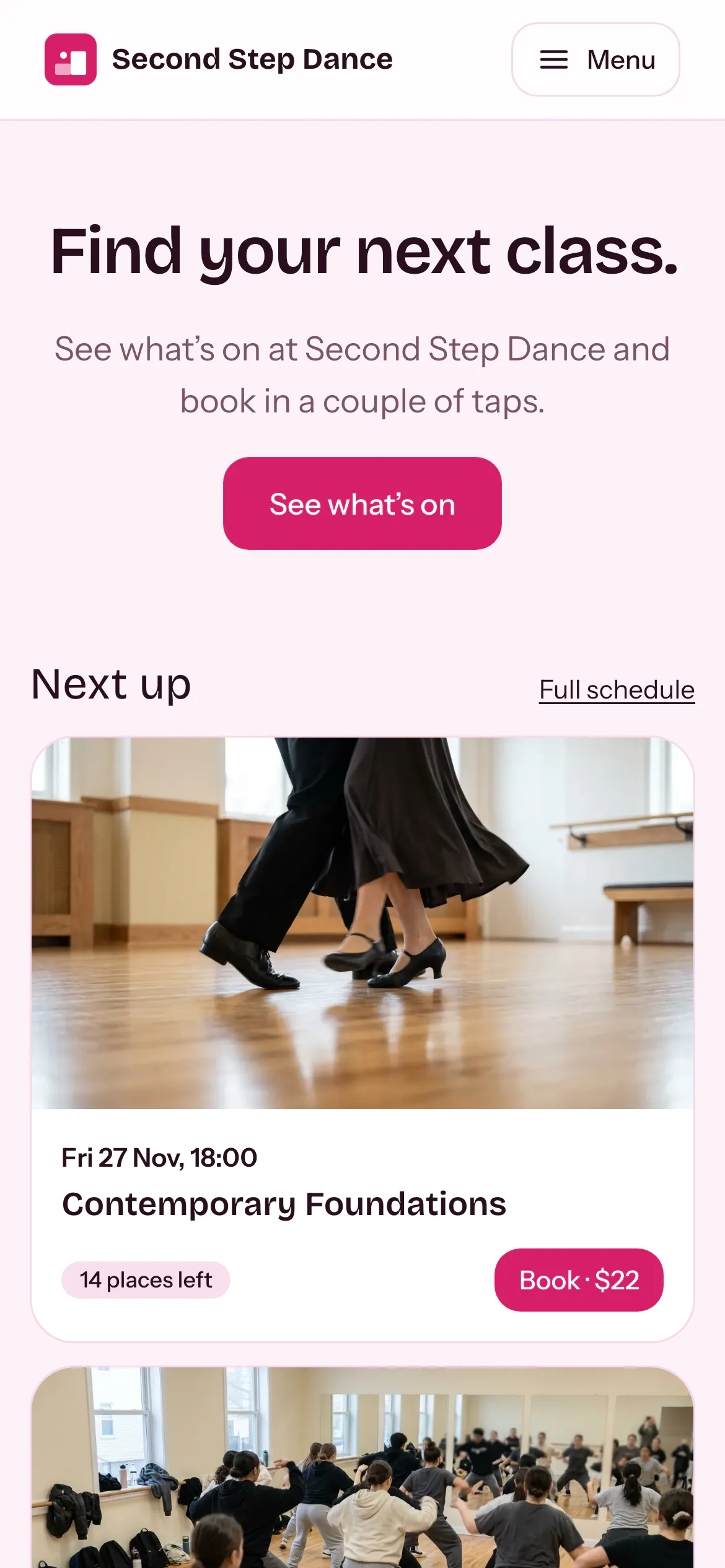
Your name and logo
Your logo and name on your own booking site. The Launch plan has 3 themes and a small “Booked with Chocka” badge.
24 themes and your coloursGrow and Thrive
Every theme, plus your own primary and accent colours.
No Chocka brandingGrow and Thrive
Your site and customer emails carry your name only. Community sites keep a small “Booked with Chocka” badge.
Your own web addressThrive
Your booking site at your own web address (a domain you own). Chocka verifies it and manages the security certificate.
Your timetable on your own websiteGrow and Thrive
Paste one piece of code into your Wix, Squarespace, WordPress or other website and your live timetable shows there, with the places left. Book opens your booking page in a new tab.
Detailed theme customisationThrive
Fine-grained control over how your site looks, with colour contrast checked for you.
Dates and times your way
Dates in your country’s order and a 12- or 24-hour clock, on your site, in emails and in your admin.
Your wording
Call things what you call them: classes, lessons or appointments; places, spots or seats; courses or programmes; terms or blocks; instructors, teachers or coaches. You can also rewrite the lines customers read on your site.
Preview before you save
The editors for your sessions, courses, terms and events show the public page with your changes before you save them.
Running a team
For when it’s more than just you: staff logins, the roster, several sites and the numbers.
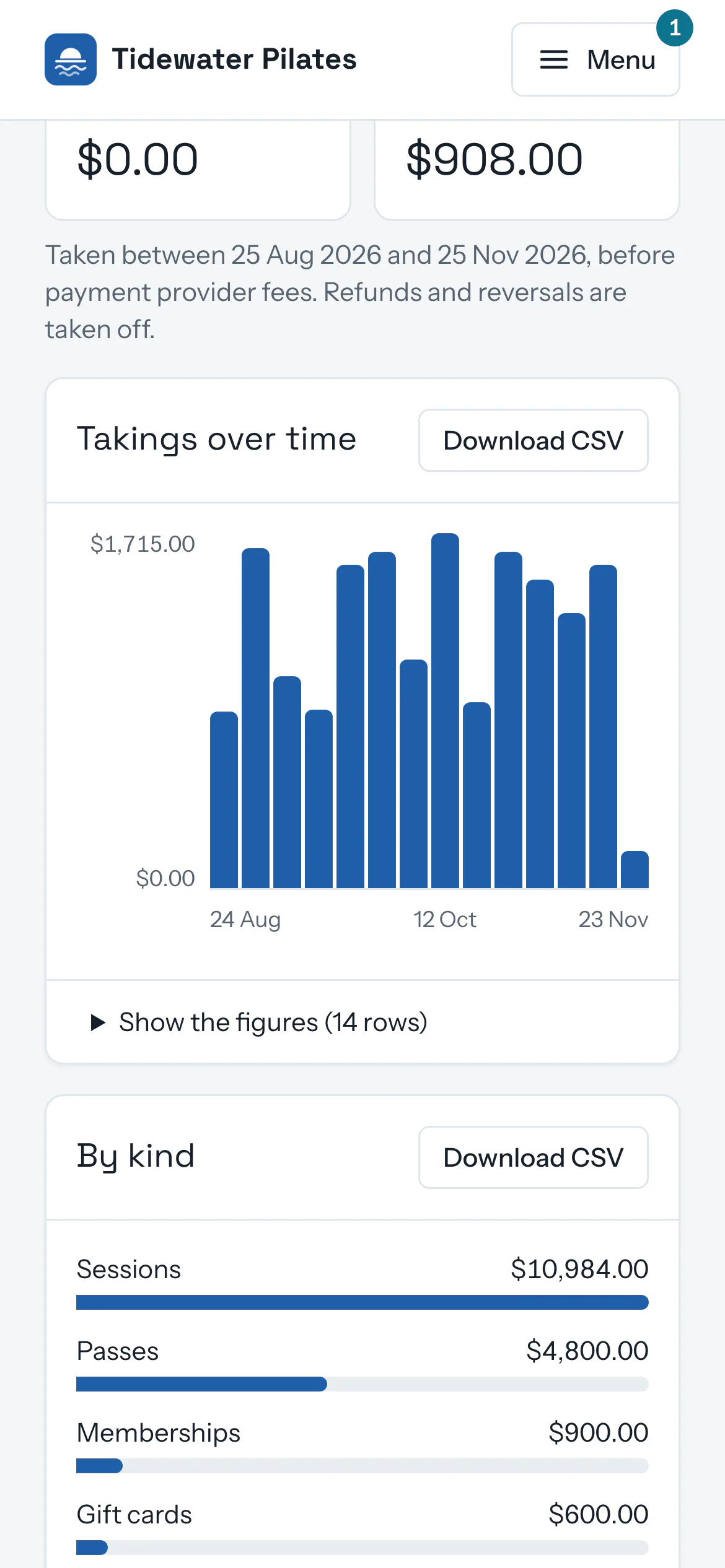
Advanced reportingThrive
Revenue, session performance, attendance, retention and outstanding balances, charted and downloadable.
Staff logins and rolesThrive
Each member of your team gets their own login and role.
Staff rosterThrive
See who is running every session by week or month, each person’s rostered hours, and swap who runs a session.
Audit trail
See who did what: places added or removed, holds, sessions created, changed or cancelled, payments settled and changes to your team, each with who did it and a link to it.
Multiple sites
Run more than one location. Each session carries its own location and shows it on your public schedule.
Try it on your own business.
Try Grow free for 14 days. No card needed.
Want it plan by plan? See the full comparison on the pricing page