For PTs and fitness instructors
Stop taking bookings in your DMs.
One link in your bio. Clients pick a class and pay up front, and the money goes straight into your own Stripe account. No monthly fee to start.
No card needed.
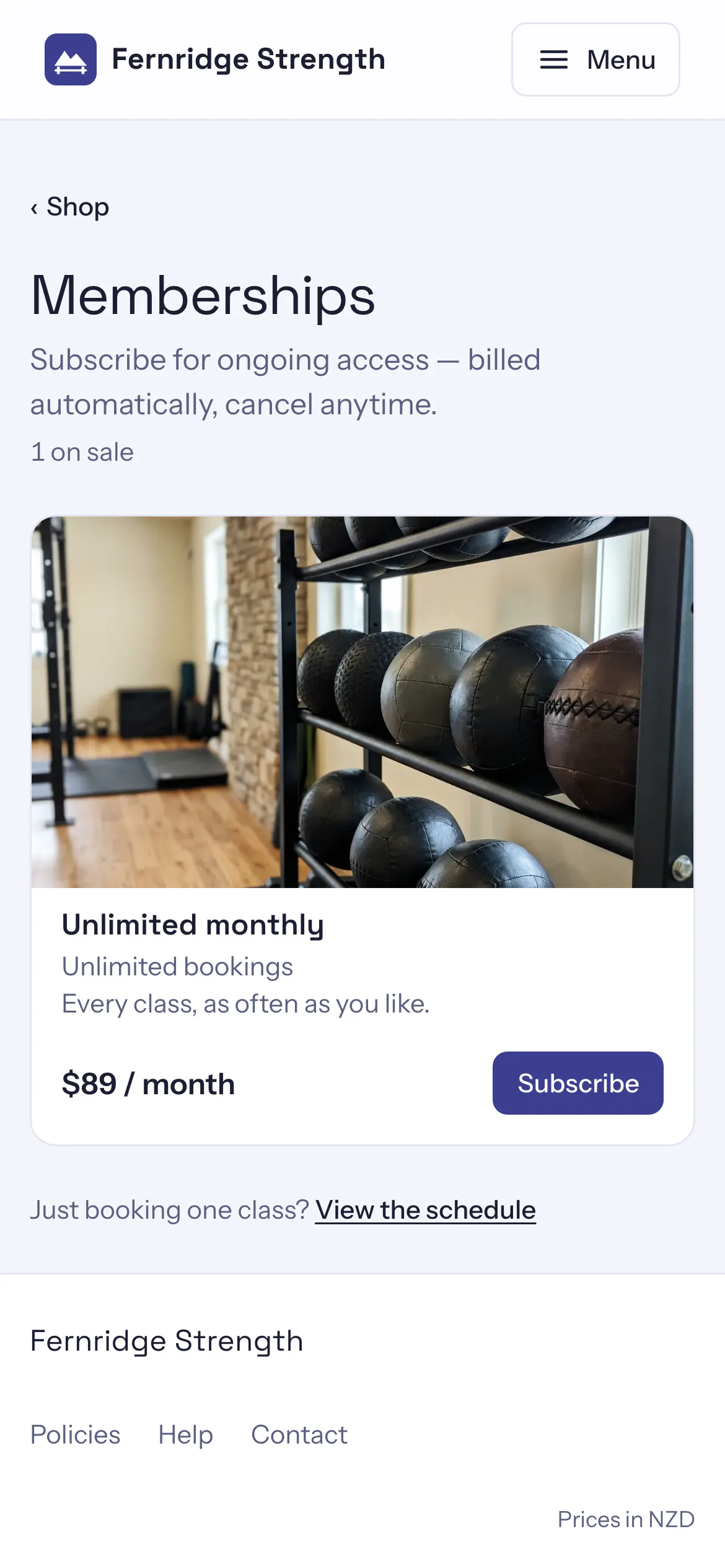
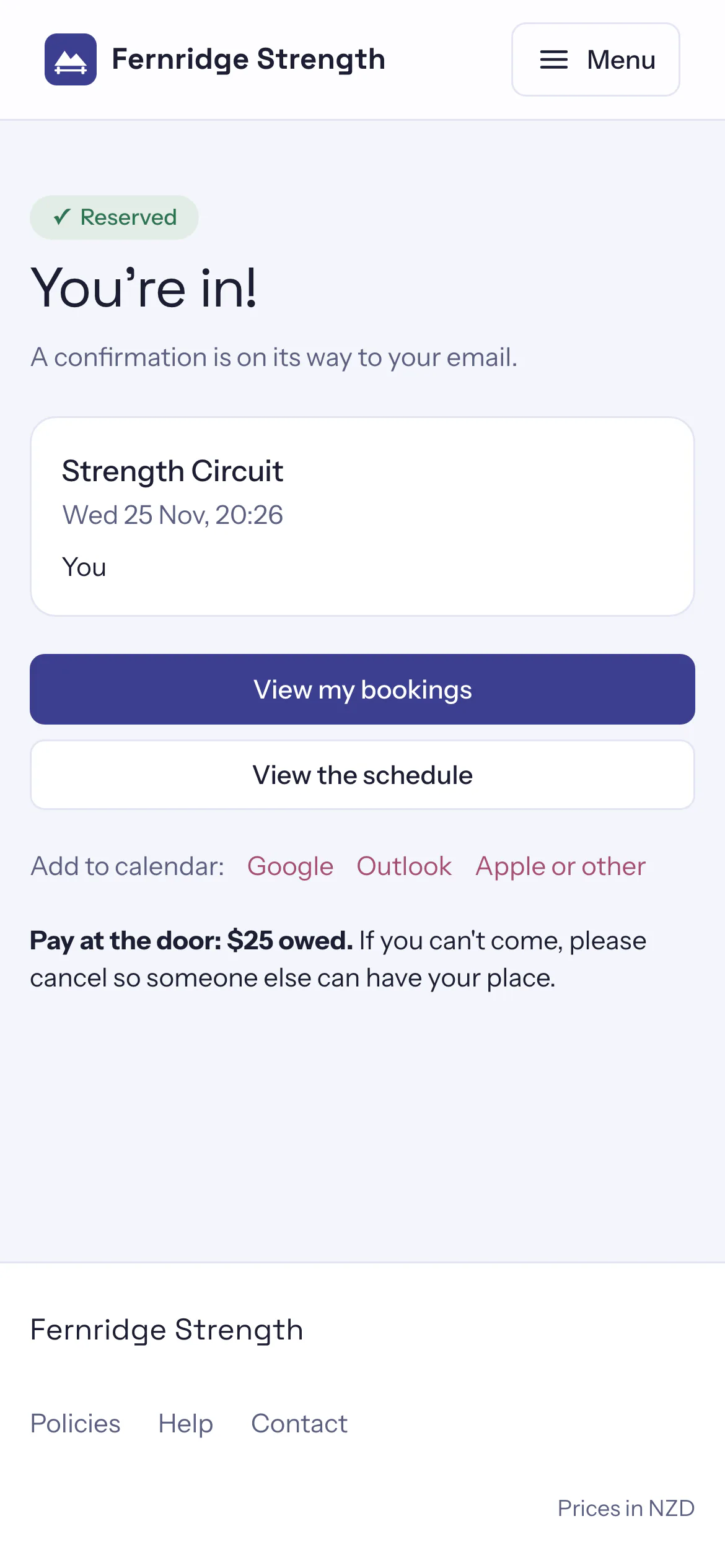
Paid when they book
Clients pay at booking, so you stop chasing money after class.
Clients book themselves
No back-and-forth in your messages. Clients see the times you offer and book at any hour from one link.
No more spreadsheet
Caps, waitlists and class packs are tracked for you, and your class list shows who is coming before you arrive.
01
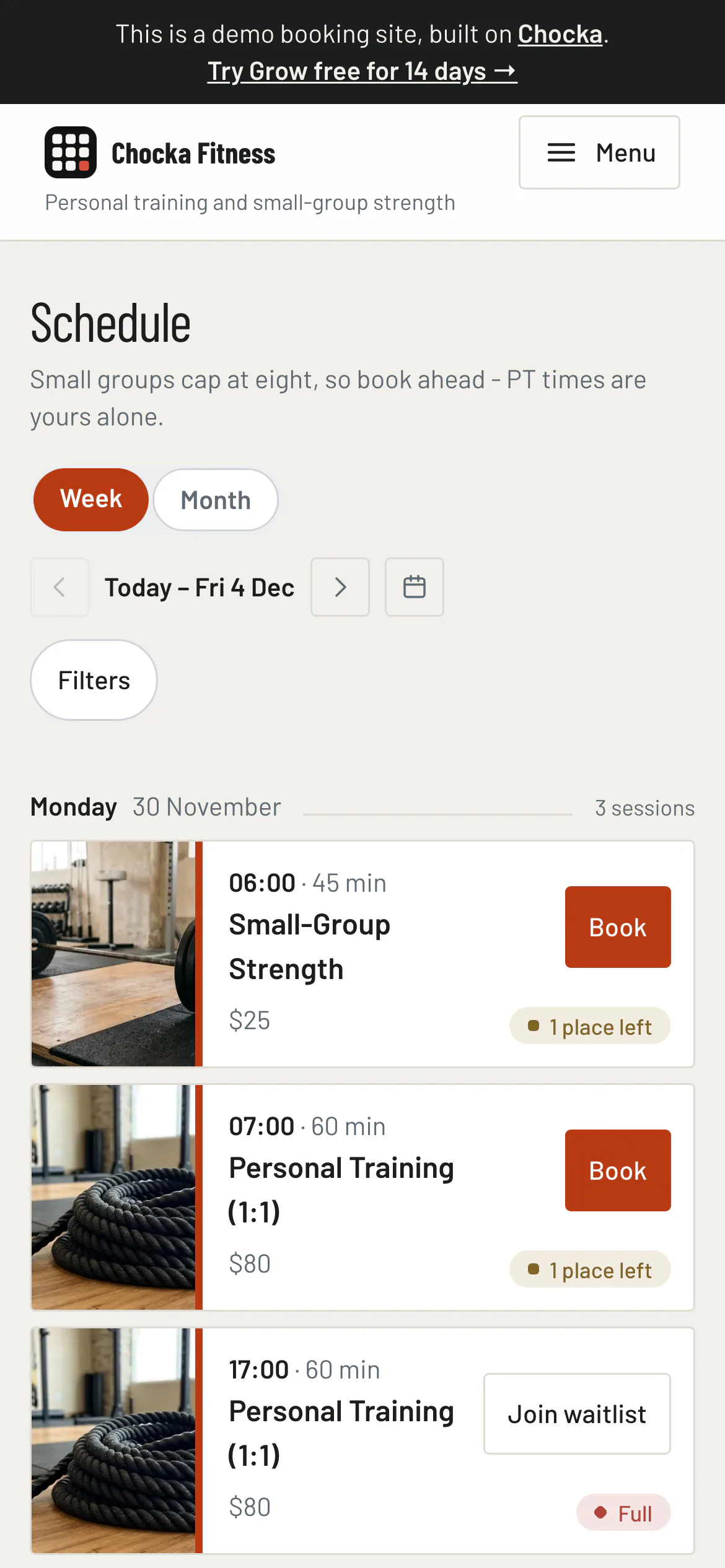
Group classes and one-to-one sessions.
Add a class with a time, a price and a cap. For one-to-one work, publish a session with its capacity set to one for every time you're free, and clients pick the one that suits them.
02
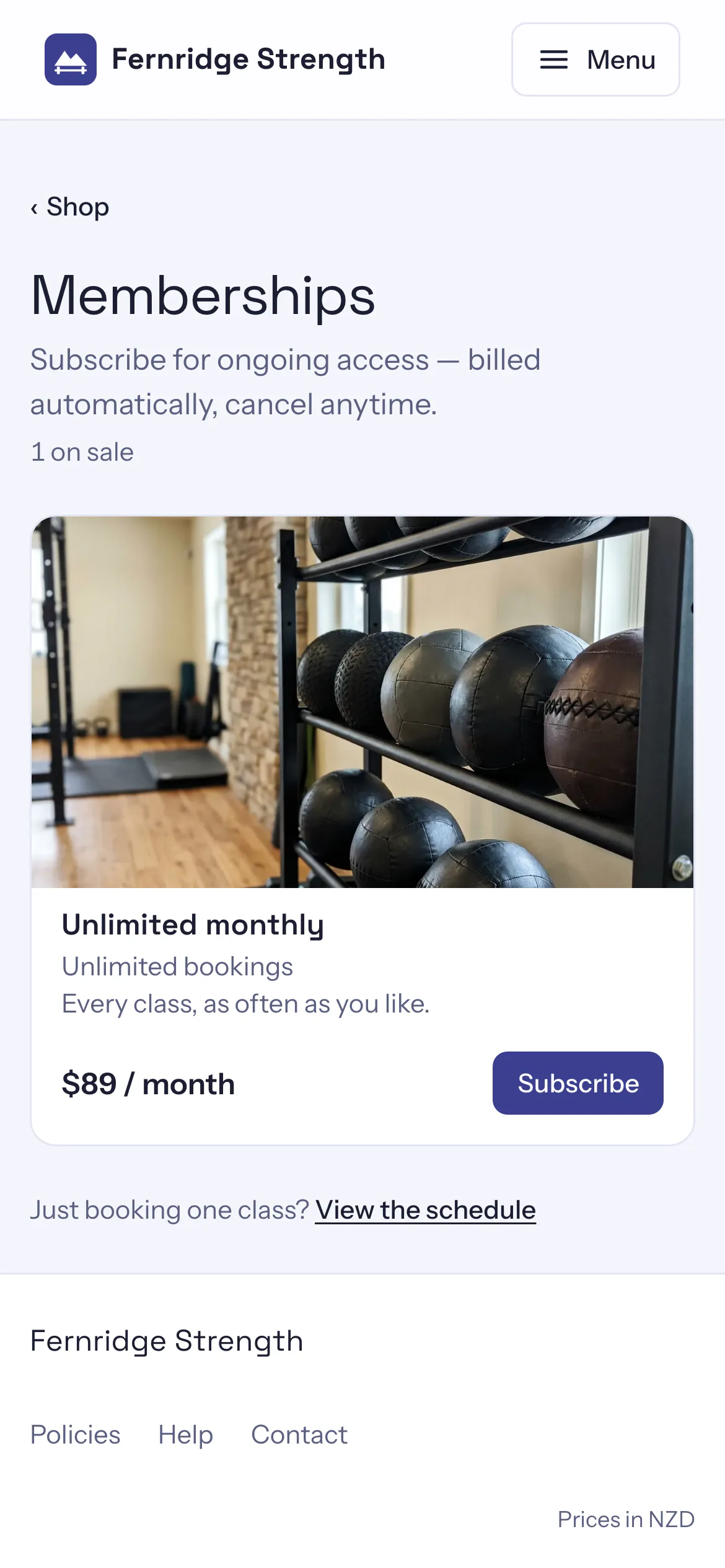
Class packs, gift cards and memberships.
Sell a pack of sessions with an expiry date, for group classes or one-to-one. Clients spend credits as they book. Gift cards are on every plan. Memberships with recurring billing, and free RSVP sessions, are on Grow and Thrive.
Grow and Thrive
03
Card, bank transfer, or pay at the door.
On the Launch plan, clients pay by card into your own Stripe account. On Grow and Thrive you can add bank transfer, which needs no payment provider, and pay at the door. Unpaid places show on your door list, and a no-show pays up front next time, until you say otherwise.
Grow and Thrive
04
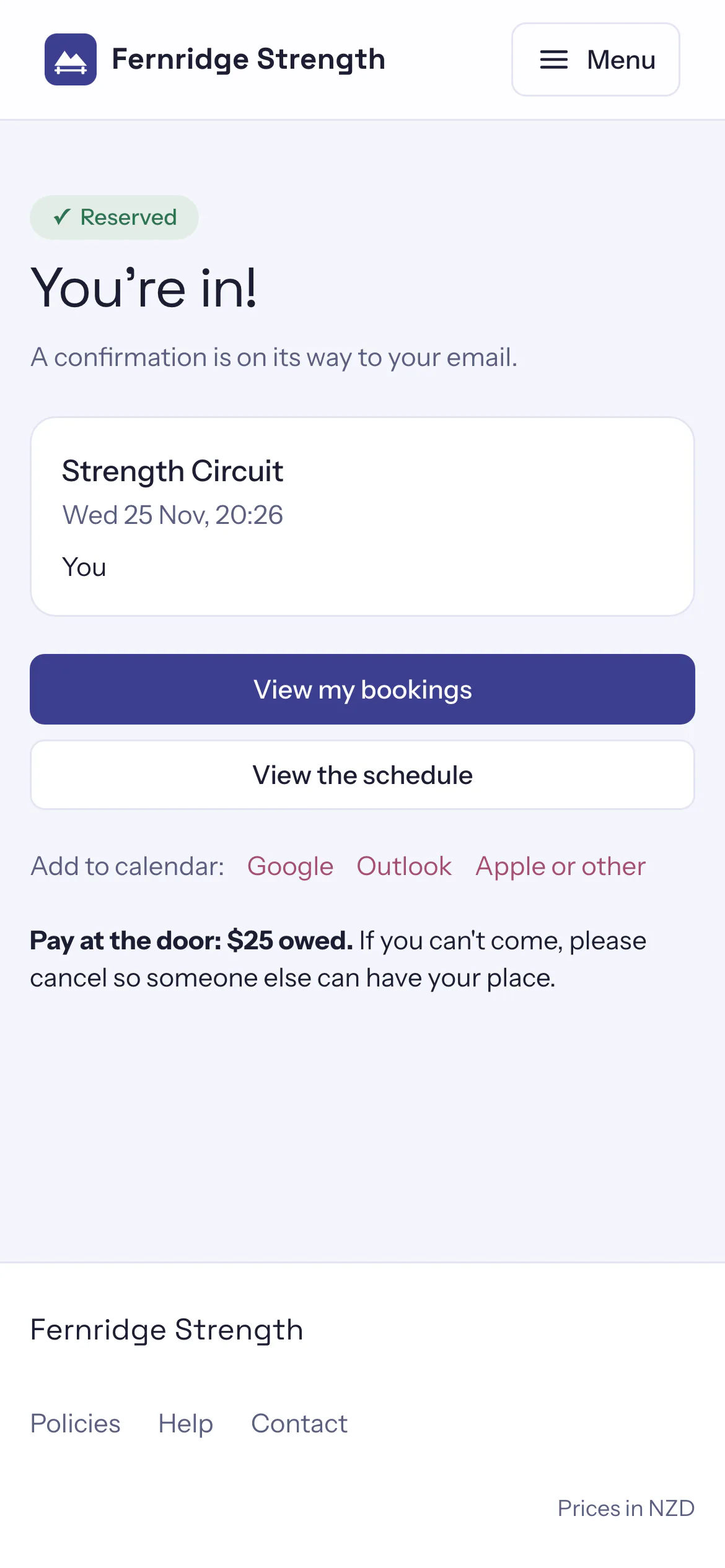
Waitlists, waivers and bringing a friend.
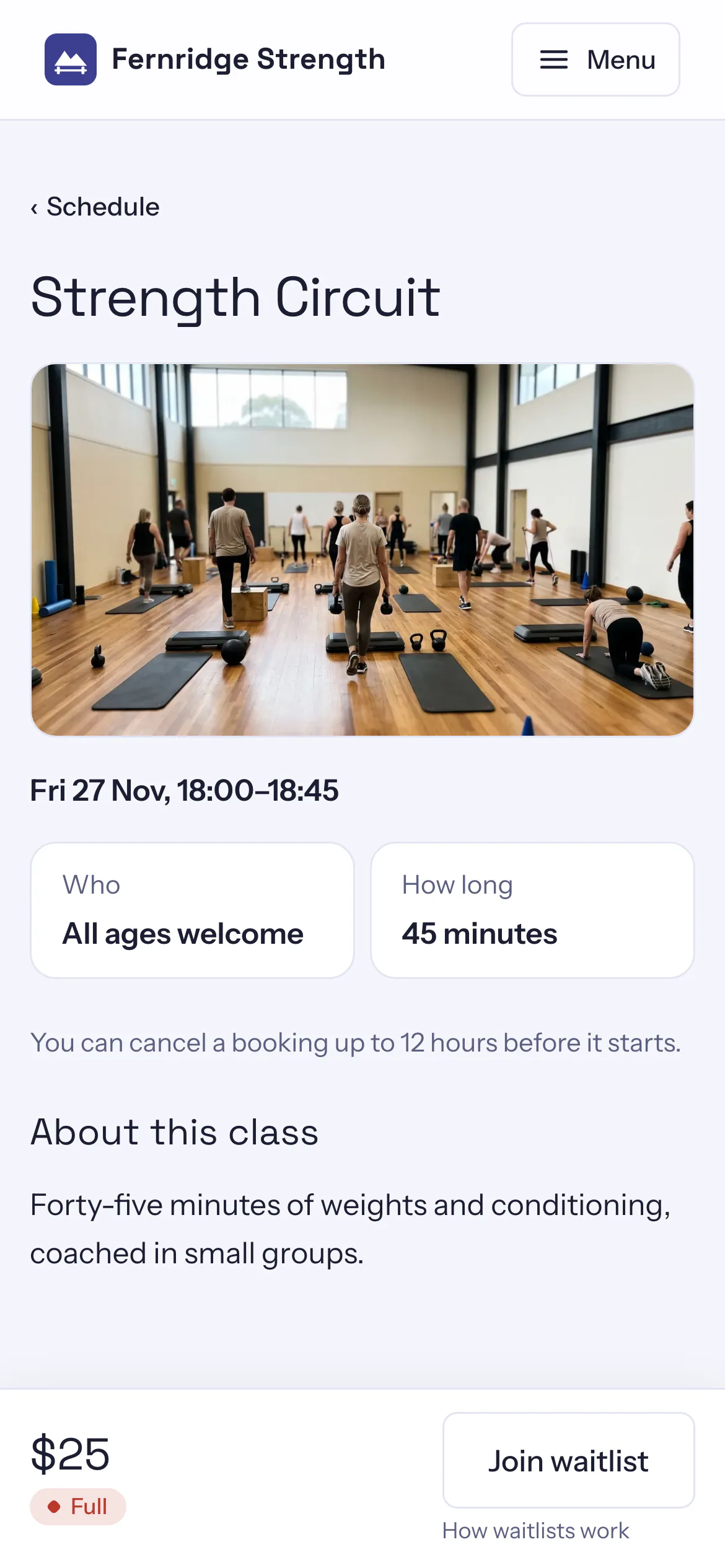
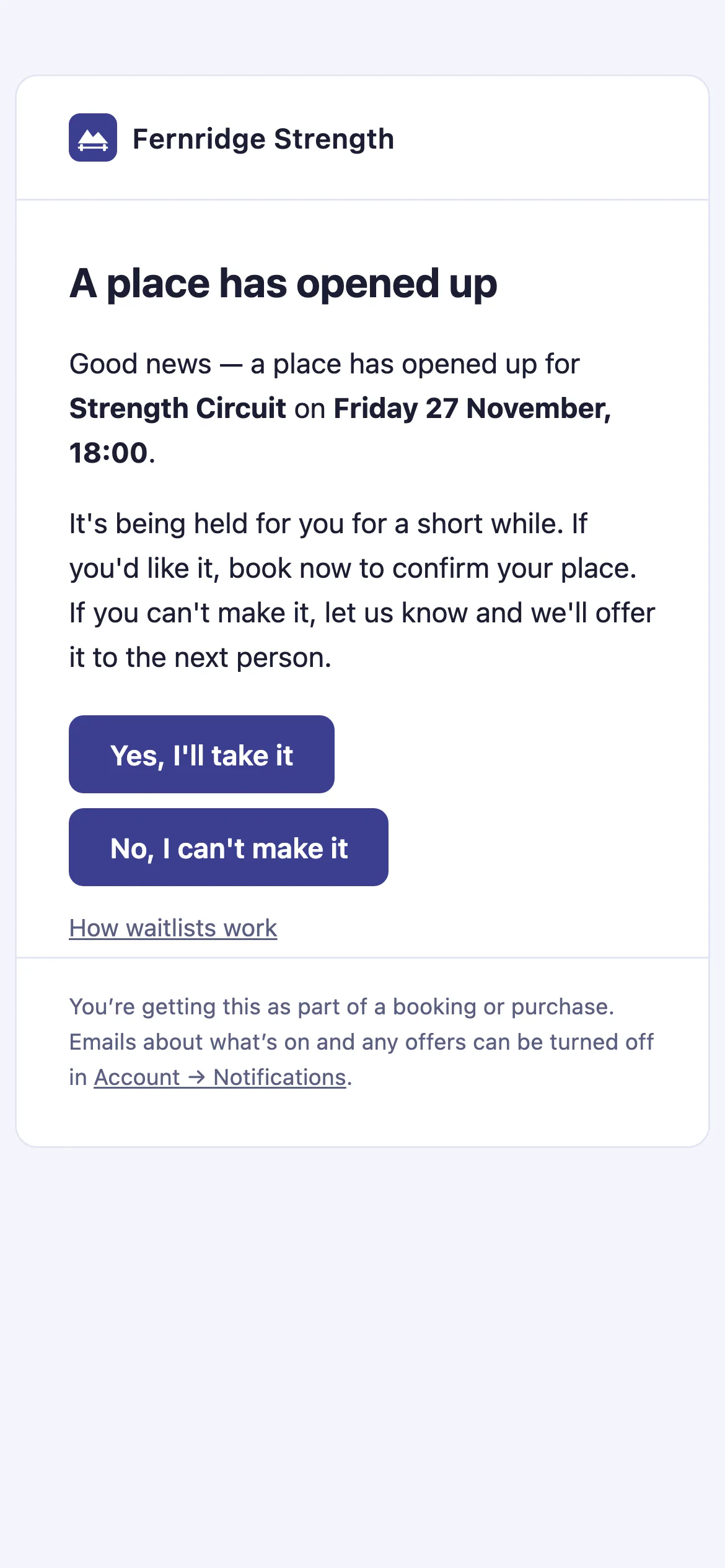
When a class is full, clients join the waitlist, and the next one is offered any place that opens, with a deadline to accept. Waivers are accepted at booking. A client can book a friend into the same class in the same payment.
From a studio using Chocka
I spent a long time researching all the different booking apps before choosing one for my studio, and Chocka always came out on top.
Chocka Fitness is our demo fitness studio. Open its storefront to see the classes, the memberships and the booking steps the way a client would.
Visit Chocka FitnessSee the timetable on a business’s own website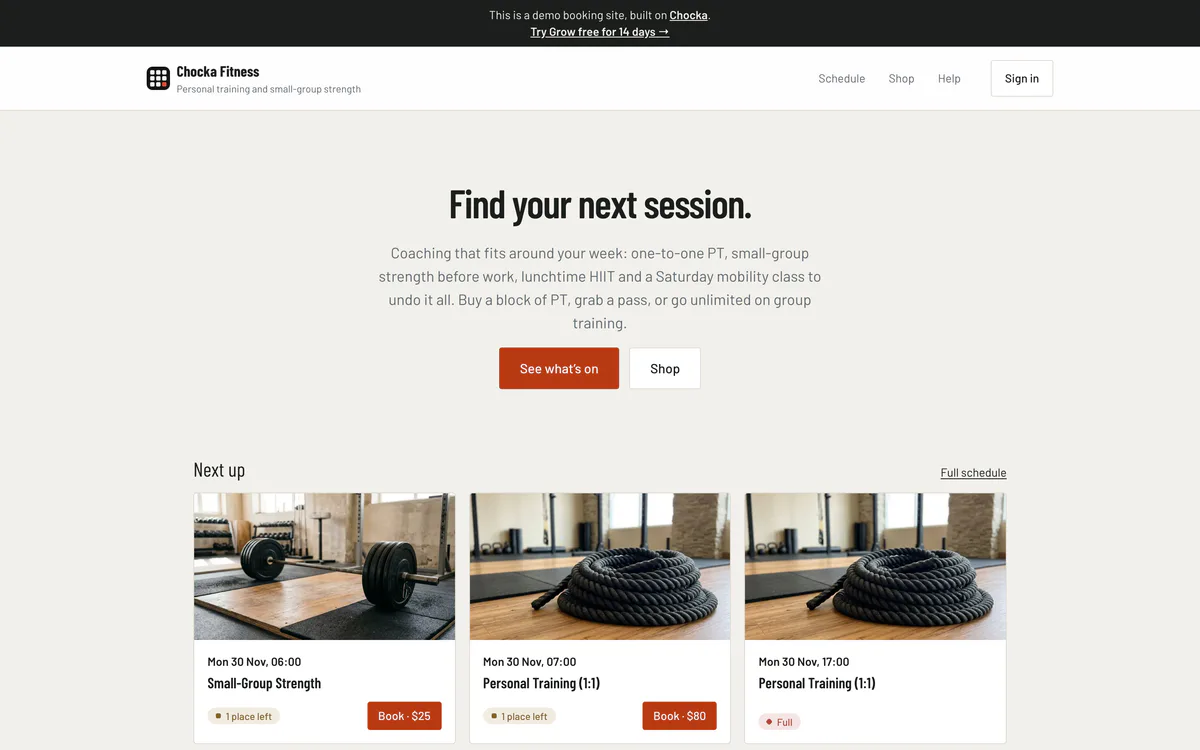
Questions trainers ask
Do my clients need to download an app?
No. Your booking page is a web page at yourname.chocka.co.nz. Put the link in your Instagram bio and clients book and pay from their phone’s browser.
Do I need a Stripe account?
On the Launch plan, yes. Clients pay by card into your own Stripe account. On Grow and Thrive you can take cards, bank transfers, or both, and bank transfer needs no payment provider. Chocka never holds your money.
I only run the odd class. Which plan?
The Launch plan. It is $0 a month plus 2% per booking, so a month with no bookings costs you nothing. Stripe’s card fees are separate. Move to Grow when you want memberships, bank transfer or pay at the door.
Can I take one-to-one bookings?
Yes. Publish one-person sessions at the times you choose, and clients book and pay for them like a class. Class packs work for one-to-one sessions too. Clients can’t pick any open hour from a calendar; they choose from the times you publish.
What doesn’t Chocka do?
There is no app, and no sync with your own calendar. Chocka doesn’t write programmes or track workouts. It is not a marketplace, so it won’t send you clients.
Start taking bookings this week.
Set up your sessions, choose how you get paid, and share your booking page. No card needed to start.